On this page
- Help Desk Software vs Contact Center: What's the Difference?
- They Are Not the Same Thing - Here Is Why That Matters
- What a Contact Center Actually Does
- What Help Desk Software Actually Does
- Help Desk Software vs Contact Center Comparison
- The Overlap Problem Most Businesses Face
- Which One Does Your Business Actually Need?
- The Bottom Line
Help Desk Software vs Contact Center: What's the Difference?
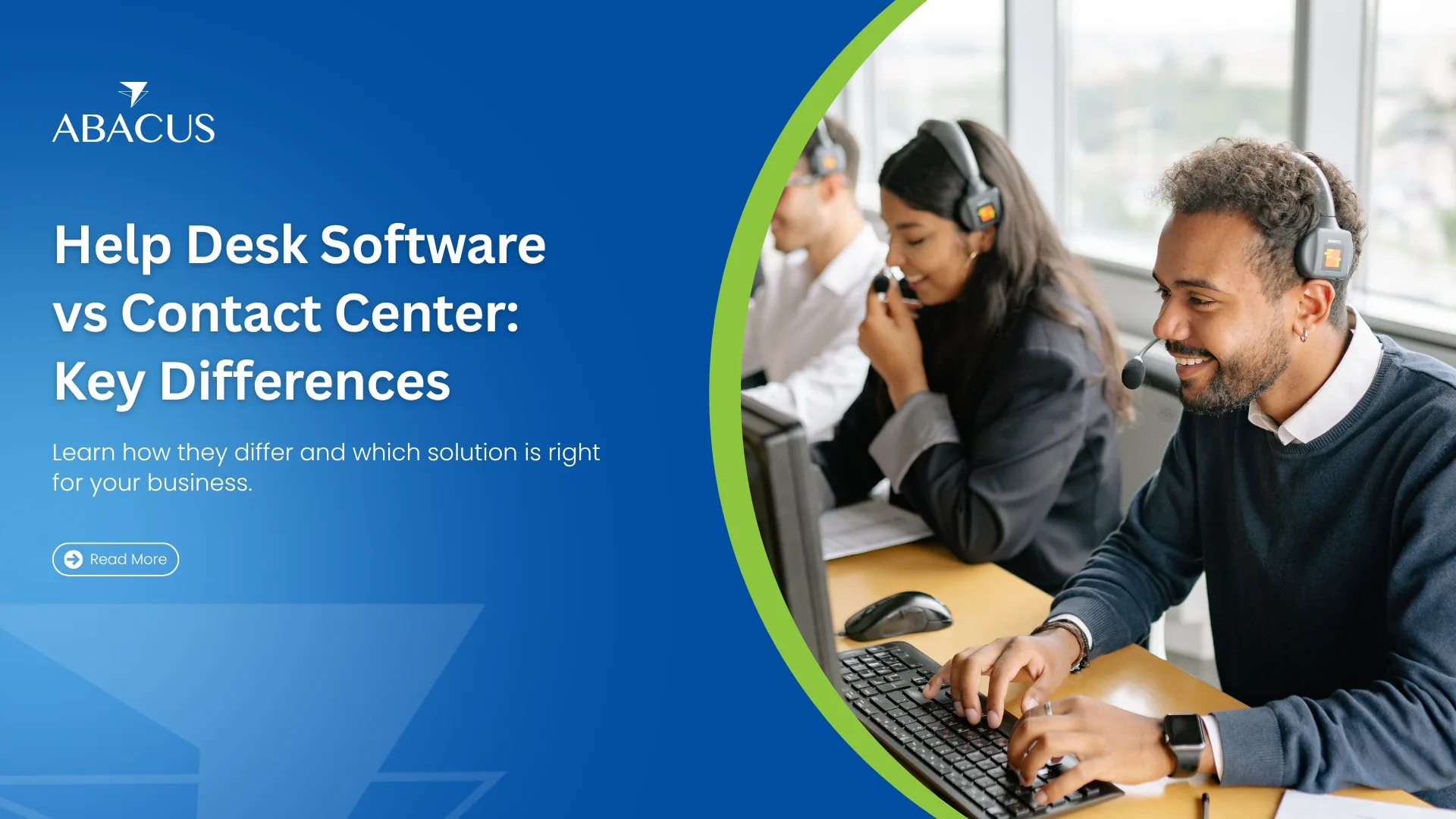
Most businesses use these two terms interchangeably - and most businesses are wrong. While help desk software and a contact center both exist to serve customers, they solve fundamentally different problems, operate on different logic, and serve different stages of the customer relationship.
Getting this distinction wrong costs businesses money. You either over-invest in infrastructure you do not need, or you deploy the wrong tool and wonder why your support quality never improves.
Here is the clearest breakdown you will find.
They Are Not the Same Thing - Here Is Why That Matters
A contact center is a team and infrastructure setup. It is the people, the processes, and the communication channels - phone, email, chat, social - organized to handle large volumes of customer interactions. It answers questions, processes orders, resolves complaints, and handles outbound campaigns.
Help desk software is the technology layer. It is a platform that organizes, tracks, and resolves support requests through a structured ticketing system. It can sit inside a contact center, power a small support team, or run independently.
The simplest way to remember it: a contact center is the operation. Help desk software is the engine running inside it.
What a Contact Center Actually Does
Contact centers are volume-first operations. Their entire design is built around managing high inbound and outbound interaction volumes efficiently - without letting anything slip.
A contact center handles:
- Inbound customer calls, emails, and chats
- Outbound campaigns, including follow-ups, surveys, and telemarketing
- Order processing and account management
- Escalation routing between departments
- Sales support and upselling during service interactions
According to Salesforce, 77% of customers expect to interact with someone immediately when they contact a company, which is exactly why contact centers are built around speed and volume as their primary performance drivers.
The primary metrics used to measure a contact center are average handle time (AHT), first-call resolution (FCR), and customer satisfaction score (CSAT). Speed and volume are the core performance drivers.
What Help Desk Software Actually Does
Help desk software is resolution-first. Its entire architecture is built around making sure every support request is captured, assigned, tracked, and closed — with full visibility at every stage.
Core functions include:
- Converting every customer message into a structured ticket
- Automatically routing tickets to the right agent based on rules
- Tracking ticket status, priority, and resolution timelines
- Enforcing SLA deadlines with automated escalations
- Storing full customer history for context in every interaction
- Generating performance reports on agent workload and resolution times
The key distinction: help desk software creates accountability and traceability. Every ticket has an owner, a status, and a timestamp. Nothing gets lost. A contact center without help desk software is a team without a memory.
Help Desk Software vs Contact Center Comparison
| Factor | Help Desk Software | Contact Center |
|---|---|---|
| Primary Purpose | Resolve and track individual support requests | Handle high volumes of customer interactions |
| Core Output | Ticket opened, tracked, and closed | Call or chat handled and ended |
| Interaction Type | Reactive — responds to incoming requests | Both reactive (inbound) and proactive (outbound) |
| Channel Strength | Digital-first — email, chat, WhatsApp, social | Voice-first — phone calls with multichannel support |
| Ticket Management | Full structured ticketing with ownership | Limited or manual — no native ticket lifecycle |
| Customer History | Centralized — full interaction history per contact | Often fragmented across calls and agents |
| SLA Enforcement | Built-in — auto-escalates overdue tickets | Measured but not enforced at ticket level |
| Outbound Capability | No — designed for inbound resolution only | Yes — campaigns, follow-ups, telemarketing |
| Performance Metrics | Resolution time, SLA adherence, CSAT | AHT, FCR, call volume, occupancy rate |
| Self-Service Options | Knowledge base, FAQs, automated responses | IVR menus, basic call routing |
| Reporting Depth | Agent workload, ticket trends, recurring issues | Call volumes, wait times, abandonment rates |
| Best Suited For | Structured issue resolution at any team size | High-volume customer communication at scale |
| Scalability | Scales from 1 agent to hundreds | Requires larger team infrastructure to operate |
| Integration | CRM, eCommerce, communication tools | Dialers, workforce management, telephony systems |
| Cost Structure | Per agent/month SaaS model — lower entry cost | Higher setup and infrastructure investment |
The Overlap Problem Most Businesses Face
Here is where most teams get confused. Modern contact centers have started adopting omnichannel platforms that include ticketing features. And modern help desk software has started adding phone and live chat capabilities. The lines are blurring — intentionally.
A Deloitte survey found that 53% of executives are moving business operations to the cloud — and omnichannel help desk platforms are leading that shift in customer support, replacing fragmented multi-tool setups.
In practice, most businesses running support teams of 5 or more agents hit the same wall: their contact center handles the conversations but cannot tell you which issues keep recurring, how long resolution actually takes, or which agent is overloaded. That visibility gap is exactly where help desk software fills in — and why the two tools work better together than either does alone.
The result is that many mid-sized businesses end up with both tools running in parallel but not integrated — creating duplicate data, inconsistent customer history, and agents switching between platforms mid-interaction.
The smarter architecture is one platform that handles both. An omnichannel help desk software with built-in contact center capabilities eliminates this gap. Agents handle tickets and live conversations from the same interface, with full customer history visible in real time.
Which One Does Your Business Actually Need?
The answer depends on what problem you are trying to solve:
- Choose a contact center setup if your primary challenge is managing high call volumes, running outbound campaigns, or handling broad customer service across voice and digital channels at scale.
- Choose help desk software if your primary challenge is ticket backlogs, missed queries, lack of visibility into resolution times, or inconsistent support quality across channels.
- Use both together if you run a customer-facing operation of any significant size. The contact center handles the interaction volume. The help desk software creates the structure, accountability, and data behind every resolved issue.
Most growing businesses reach the point where they need both within 12 to 18 months of scaling their support team — the only question is whether they plan for it or react to the chaos it creates when they do not.
The Bottom Line
A contact center without help desk software is a team fielding requests with no system to track them. Help desk software without a contact center strategy is a tool with no team structure around it. The two are not competitors — they are complements.
If your business is handling customer support at any meaningful volume, Antlere brings both together — omnichannel ticket management, real-time sentiment tracking, and full interaction history — without the complexity of running two separate systems.